
Stop! 5 Essential Photo Rules Before Posting Your Baby Online
Hello, dear new parents. Welcome to this whirlwind of love, sleepless nights, and a camera roll that’s filling up faster than your laundry basket! I see you. As a pediatric nurse and lactation consultant, I’ve shared in the joy of thousands of new families, and I know that incredible, heart-bursting urge to share every perfect yawn, tiny finger curl, and milk-drunk smile with the world. It’s a beautiful way to connect with loved ones, especially those far away.
But in our hyper-connected world, sharing has become more complex. The term for it is ‘sharenting’—the practice of parents sharing content about their children on the internet. And while it comes from a place of pure love, it’s worth taking a gentle pause to think about what we’re sharing and with whom. Think of me as your friendly guide, here to hold your hand through the digital side of parenting. We’re not here to add another worry to your plate. Instead, we’re going to empower you with five simple, essential rules to help you share your joy confidently and safely, protecting your little one’s privacy from day one.
Rule #1: The ‘Digital Diaper’ Check: Protect Their Future Dignity

Our first rule is one I call the ‘Digital Diaper’ check. It’s a simple gut-check before you post: does this photo respect my child’s future dignity? Think about it this way—would you want a similar photo of yourself from childhood posted for your current friends, colleagues, or even strangers to see? Your baby deserves that same consideration.
This most often applies to those irresistibly cute (but very private) moments:
- Bath time photos: The bubbly mohawks and splashing smiles are pure gold, but they are also images of your child unclothed. These are perfect for the private family album, not a public feed.
- Potty training moments: The triumphs and the funny little accidents are huge milestones! But they are deeply personal. Celebrate them within your home, but think twice before broadcasting them.
- Messy diaper situations or any state of undress: While you might see humor in a diaper blowout, it’s a moment of vulnerability.
Every photo you post contributes to your child’s digital footprint—a permanent online record that begins long before they can consent to it. By keeping these intimate moments private, you are giving them the gift of controlling their own story when they are older.
Remember, the goal is to create a digital narrative that your child will one day be proud of, not one they might find embarrassing or awkward. You are the loving guardian of their online identity until they’re old enough to take the reins.
Rule #2: Go on a Data Diet: Scrub Identifying Information
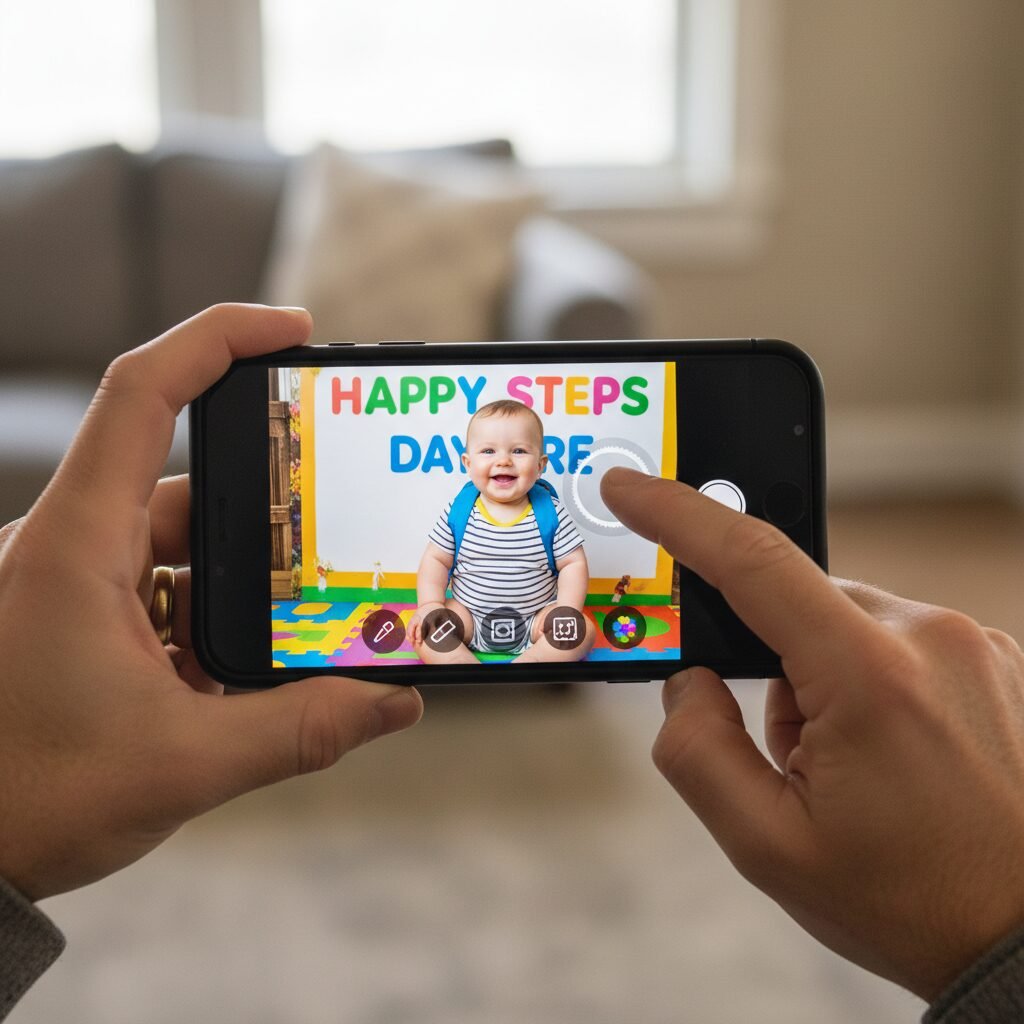
Imagine your photos are telling a story. You want that story to be about your beautiful baby, not about where they live, when their birthday is, or where they go to daycare. It’s surprisingly easy to accidentally share personally identifiable information (PII) that could compromise your family’s safety. It’s time to put your photos on a ‘data diet’ and scrub them clean of these details.
Before you post, become a loving detective and scan your photos for these hidden clues:
- Full Name and Birth Details: That gorgeous hospital announcement with their full name, date of birth, weight, and length? It’s a treasure for your scrapbook but contains key information used for identity purposes. Share the news, but maybe post a picture of just their tiny hand gripping your finger instead.
- Your Home Address: Check the background of photos. Is your house number visible on the door or mailbox? Is a street sign readable down the block?
- School or Daycare Information: A ‘First Day of School’ photo is a classic! Just be sure to blur out the name of the school or daycare on their t-shirt, backpack, or the sign in the background.
- Geotags: Most smartphones automatically embed location data (called EXIF data) into every photo you take. This means posting a photo taken at home can literally put a pin on a map to your front door. It’s wise to disable this feature for your camera app. It’s usually a simple toggle in your phone’s settings under Privacy > Location Services > Camera.
Safety Warning: This isn’t about inducing fear; it’s about being proactive. In the same way you put safety plugs in your outlets, scrubbing your photos of data is a simple, preventative measure to keep your little one safe in the digital world.
Rule #3: The ‘Grandparent’ Test: Set Clear Boundaries with Family

Oh, the enthusiastic, well-meaning, and photo-loving grandparents, aunts, and uncles! Their excitement is a wonderful thing, but they may not have the same understanding of digital privacy. It’s a common scenario: you carefully curate what you post, only to find a relative has shared a photo you weren’t comfortable with to their entire network of 500+ ‘friends’.
This calls for the ‘Grandparent Test’—a gentle but firm conversation to set clear boundaries for your family’s sharing. This isn’t about being controlling; it’s about getting everyone on the same team to protect your child.
How to Have the Talk
Lead with love and appreciation. You could say something like, “We are so incredibly grateful for how much you love our baby and want to show them off. It means the world to us. As we’re navigating this new parent thing, we’ve decided to be really mindful about what photos go online. Could we ask for your help in keeping pictures of the baby off of your public social media pages?”
The key is to offer an alternative, so they still feel included. Suggest a private, dedicated space for sharing. This makes them feel like they’re in a special ‘inner circle’.
| Sharing Method | Who Sees It? | Our Recommendation |
|---|---|---|
| Public Instagram/Facebook Post | Potentially anyone on the internet. | Best for general announcements, avoiding clear face shots or identifying info. |
| ‘Friends Only’ Facebook Post | Your entire friends list (and potentially friends of friends). | Better, but review your friends list. Do you know and trust everyone? |
| Private Facebook Group | Only the members you invite. | Excellent Choice! You control the audience completely. Perfect for close family and friends. |
| Shared Photo Album (Google/Apple Photos) | Only people you share the link with directly. | Excellent Choice! High-resolution photos, totally private, and easy for family to access. |
| Family-Focused Apps (e.g., Tinybeans) | A private network designed specifically for families. | A fantastic, secure option if your family is app-savvy. |
By setting these boundaries early and kindly, you create a culture of respect for your child’s privacy that everyone in the family can understand and support.
Rule #4: Become the Gatekeeper: Master Your Privacy Settings
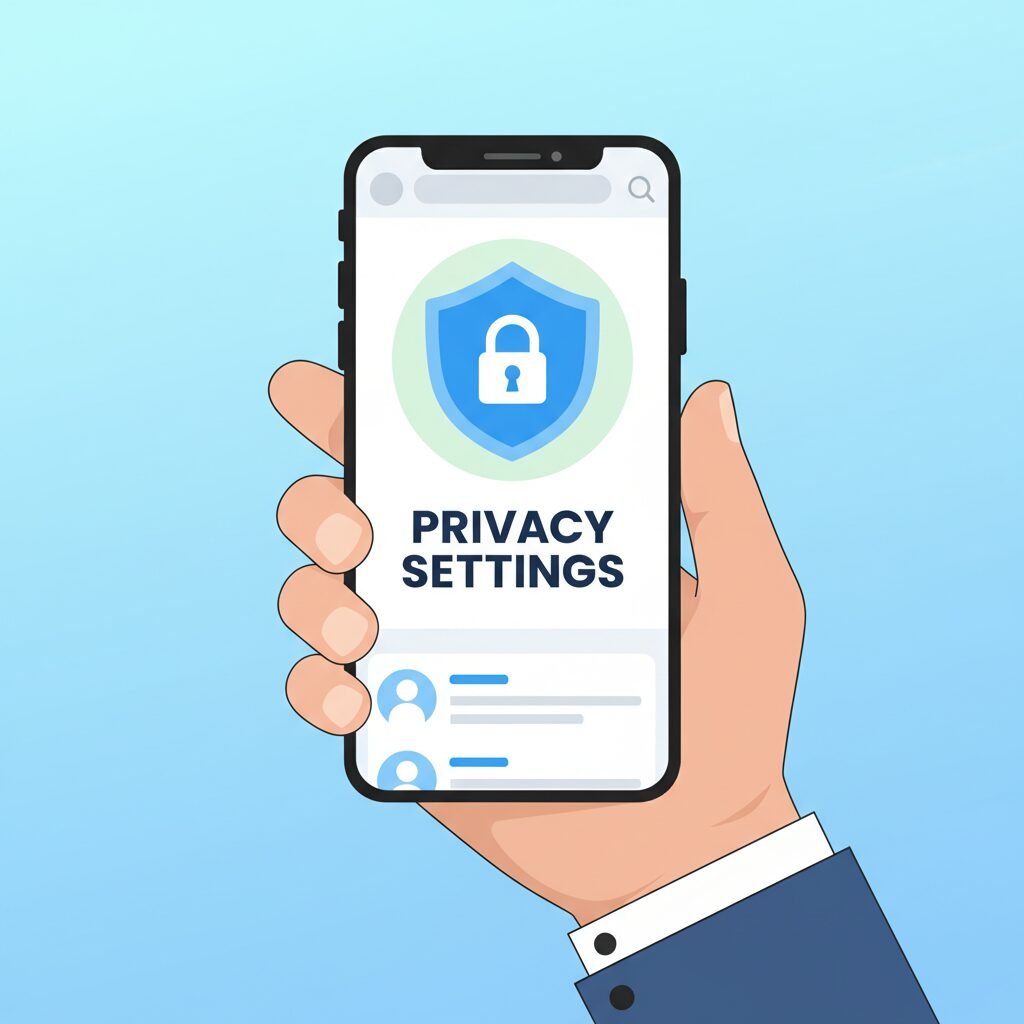
Think of your social media account as your digital home. You wouldn’t leave the front door wide open for anyone to wander in, right? Yet, many of us use the default ‘public’ settings on our accounts, doing just that. Taking 10 minutes to become the gatekeeper of your digital home is one of the most powerful things you can do for your child’s privacy.
Social media platforms are constantly updating their settings, so it’s a good habit to do a quick privacy audit every few months. Here’s a simple checklist to get you started:
- Set Your Audience to ‘Friends’. Go into your Facebook or Instagram settings and ensure your default posting audience is set to ‘Friends’ or ‘Followers you follow back’, not ‘Public’. On Facebook, you can even create custom lists (like ‘Close Family’) to share certain photos with an even smaller group.
- Review Your Friends/Followers List. Scroll through your list. Is there anyone on there you don’t know or remember? It’s okay to unfriend or remove followers you don’t have a real-life connection with. Think of it as tidying up your digital living room.
- Turn Off Facial Recognition. Many platforms use facial recognition to suggest tagging people in photos. You can, and should, disable this feature for your account to prevent your child’s face from being indexed in their massive databases.
- Check Your Tagging Settings. Set your account so that you must manually approve any photo you are tagged in before it appears on your profile. This prevents a well-meaning friend from posting and tagging you in a photo of your child that you aren’t comfortable with.
Mastering these settings puts you in the driver’s seat. You decide who gets to see your precious moments, turning your social media from a public stage into a cozy, private gallery for the people you trust most.
Rule #5: The ‘Future You’ Test: Think Like Their Advocate

This last rule is the most profound. It requires us to look into the future and think not just as a parent today, but as an advocate for our child tomorrow. Before posting, ask yourself: How will my child, as a teenager or an adult, feel about this photo?
A baby cannot give consent, so we, as their parents, are entrusted with making choices on their behalf. This is a heavy responsibility, but also a beautiful opportunity to build a foundation of trust and respect. The funny photo of them covered head-to-toe in spaghetti might seem hilarious now, but could it become fodder for schoolyard teasing later on? That video of a tantrum might get a lot of ‘likes’ from other parents who relate, but does it honor your child’s big feelings in a private moment?
Thinking long-term also means being aware of more serious risks:
- Digital Kidnapping: This is where strangers take your child’s photos and repost them online, pretending the child is their own. It’s deeply unsettling and more common than you might think.
- Data Brokers and AI: Every photo you post online can be scraped, stored, and used by data companies to build a profile of your child. With the rise of AI, these images could even be used in ways we can’t yet imagine.
This isn’t meant to scare you away from sharing forever. It’s about shifting your mindset. You are not just a parent; you are the first curator of your child’s life story. By choosing to share moments that are joyful, respectful, and positive, you are creating a digital legacy that they will one day be able to look back on with happiness, not regret. You are their fiercest protector, both offline and on.
Conclusion
There you have it—five essential rules to guide you through the wonderful, and sometimes tricky, world of sharing your little one online. Let’s quickly recap:
- Rule #1: The ‘Digital Diaper’ Check – Protect their future dignity.
- Rule #2: Go on a Data Diet – Scrub identifying information.
- Rule #3: The ‘Grandparent’ Test – Set clear boundaries with family.
- Rule #4: Become the Gatekeeper – Master your privacy settings.
- Rule #5: The ‘Future You’ Test – Think like their advocate.
Navigating parenthood in the digital age is a new frontier for all of us, and you are doing an amazing job. Remember, this isn’t about creating rigid, stressful rules or stopping you from sharing your immense joy. It’s about being mindful. It’s about taking a loving, protective pause before you press ‘post.’ You are your child’s best advocate, and by following these simple guidelines, you can build a safe, respectful, and beautiful digital scrapbook that celebrates your family’s journey without compromising their privacy. Now go on and enjoy every precious, fleeting moment—both online and off.